Code
Driven
Creativity
designtocode.in
Introduction
Building a great application has always required time, creativity, and collaboration between designers and developers. But as digital products become more complex, so do the challenges — maintaining design consistency, speeding up iterations, writing clean code, and delivering a great user experience across platforms.
For many small and mid-sized businesses, app development often feels like a balancing act — tight budgets, limited resources, and high user expectations. This is where Artificial Intelligence (AI) is becoming a game changer. From automating repetitive coding tasks to improving user interface design and predicting user behavior, AI in application design and development is reshaping how digital products are built. The result is not just faster delivery but smarter, more intuitive, and scalable applications.
"Creativity is intelligence having fun." - Albert Einstein
The Traditional App Development Process
Before exploring how AI changes things, it helps to look at how app design and development traditionally work — and where teams often get stuck.
1. Planning and Research – Teams define the app’s goals, features, and user needs. This step is often manual and time-consuming.
2. UI/UX Design – Designers create wireframes, prototypes, and visual assets. Maintaining consistency and testing multiple design variations takes time.
3. Development – Developers write front-end and back-end code, integrate APIs, and fix bugs. Manual coding often slows the pace.
4. Testing and Quality Assurance – QA engineers manually test the app for performance, usability, and bugs.
5. Deployment and Maintenance– Finally, the app is deployed and updated based on feedback.
Each phase demands attention and coordination between teams. Small errors or bottlenecks can delay launches, increase costs, and affect the final user experience.
That’s why companies are now turning toward AI-driven tools and workflows to automate repetitive work, improve accuracy, and enhance creativity.
How AI Is Changing Application Design and Development
That’s why companies are now turning toward AI-driven tools and workflows to automate repetitive work, improve accuracy, and enhance creativity.
1. Smarter UI/UX Design with AI Assistance
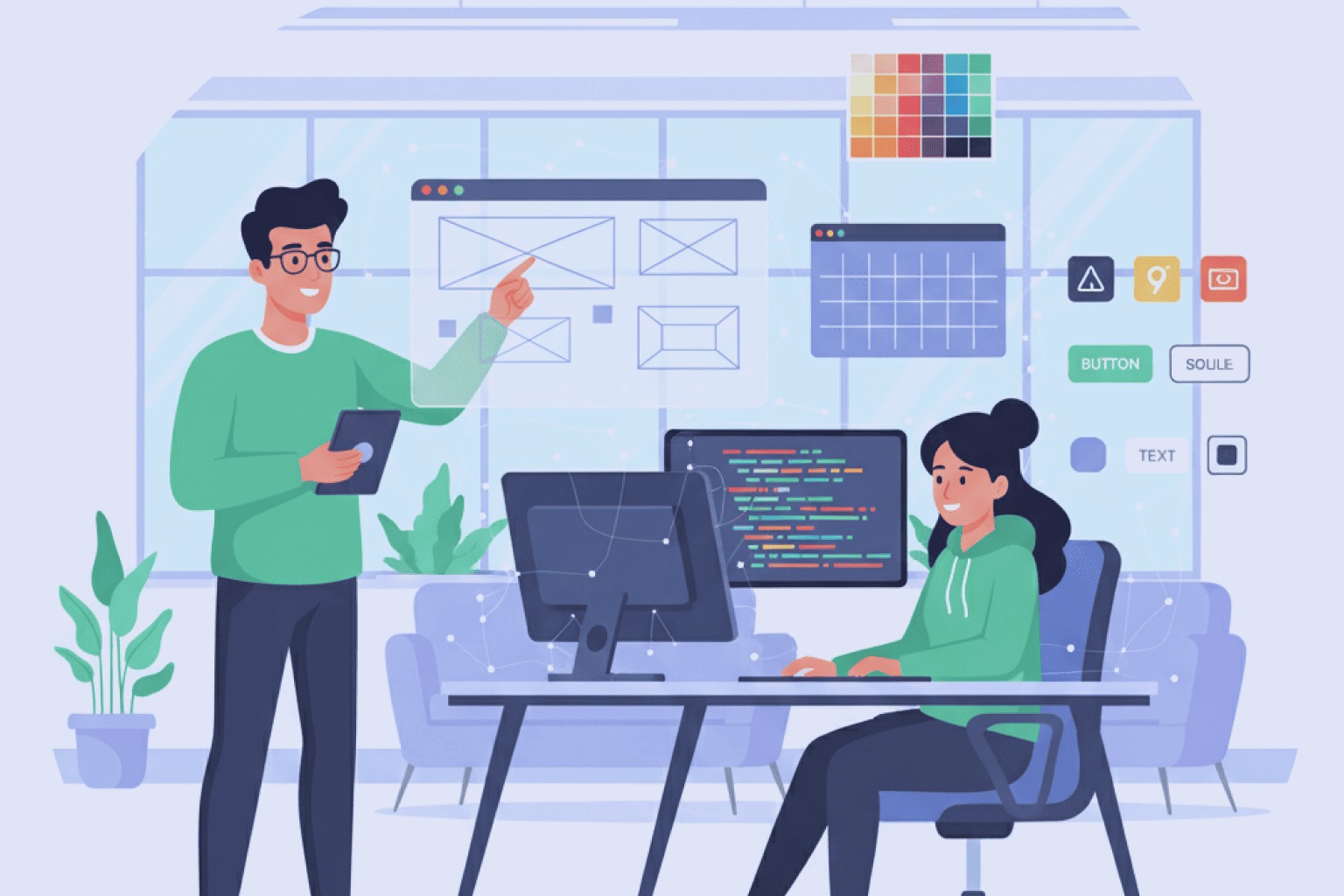
Designing intuitive interfaces that users love is both an art and a science. AI tools can now analyze user behavior patterns and suggest layout adjustments, color palettes, and typography choices that improve usability. For example, AI-driven design platforms like Uizard, Figma AI, and Adobe Firefly use machine learning to generate interface components automatically. Designers can input rough sketches or text prompts and watch as the AI creates functional wireframes or mockups within seconds.
This reduces hours of manual design work and helps teams quickly test multiple variations before finalizing a direction.
Keywords: AI in UI/UX design, AI-assisted app design, AI tools for designers
2. Accelerating Development with AI-Powered Code Generation
One of the biggest bottlenecks in app development is writing repetitive or boilerplate code. Tools like GitHub Copilot, Replit Ghostwriter, and Tabnine use large language models (LLMs) to help developers write cleaner, faster, and more accurate code. Developers can describe what they want in plain English — for example, “Create a login form with Firebase authentication” — and the AI suggests the appropriate code instantly.
AI also helps debug errors, refactor old code, and ensure better compliance with coding standards. This drastically cuts development time and reduces human error.
Keywords: AI in application development, AI tools for developers, AI-powered coding.
3. Automating Testing and Quality Assurance
Testing is a vital yet repetitive part of app development. Traditional QA requires manual effort to identify bugs, check compatibility, and ensure performance across devices. AI-driven testing tools like Applitools, Testim, and Functionize automatically scan apps, detect UI inconsistencies, and even predict potential failures before they occur.
Machine learning models can analyze past test results and prioritize high-risk areas — ensuring that developers focus their attention where it’s needed most. This automation not only accelerates release cycles but also improves software reliability.
Keywords: AI in software development lifecycle, AI for QA testing, automated app testing.
4. Automating Testing and Quality Assurance
In traditional workflows, handoffs between designers and developers often cause friction — differences in design interpretation, missing assets, or unclear specifications. AI-powered platforms bridge this gap. For instance, tools like Zeplin, Figma Dev Mode, or UXPin Merge use AI to automatically generate code-ready design components.
Design tokens, color systems, and spacing rules are applied consistently, ensuring that what designers create is exactly what developers build. The result: faster handoffs, fewer communication gaps, and higher-quality user interfaces.
Keywords: AI for collaboration, AI in design systems, AI for app prototyping
5. Predicting User Behavior and Personalization
AI isn’t just changing how apps are built — it’s also changing how they evolve. Once an app is launched, AI tools can analyze user interactions in real-time to predict preferences, identify drop-off points, and personalize experiences. For example, AI analytics platforms like Mixpanel, Amplitude, and Firebase Predictions use behavioral data to suggest which features users love most and which ones need improvement.
This allows product teams to make data-backed decisions instead of guessing what works. Personalized app experiences also increase engagement and retention rates.
Keywords: AI personalization in apps, AI user analytics, predictive UX
6. Automating Project Management and Workflow Optimization
Beyond coding and design, AI can optimize project management itself. Tools like ClickUp AI, Notion AI, and Linear Insights help teams track progress, summarize meetings, and even prioritize tasks automatically based on project timelines. AI assistants can analyze development velocity and flag risks early — like potential delays or resource bottlenecks — enabling project managers to act before issues escalate.
This turns app development into a more agile, proactive, and transparent process.
Keywords: AAI in project management, AI productivity tools for developers
AI in project management, AI productivity tools for developers
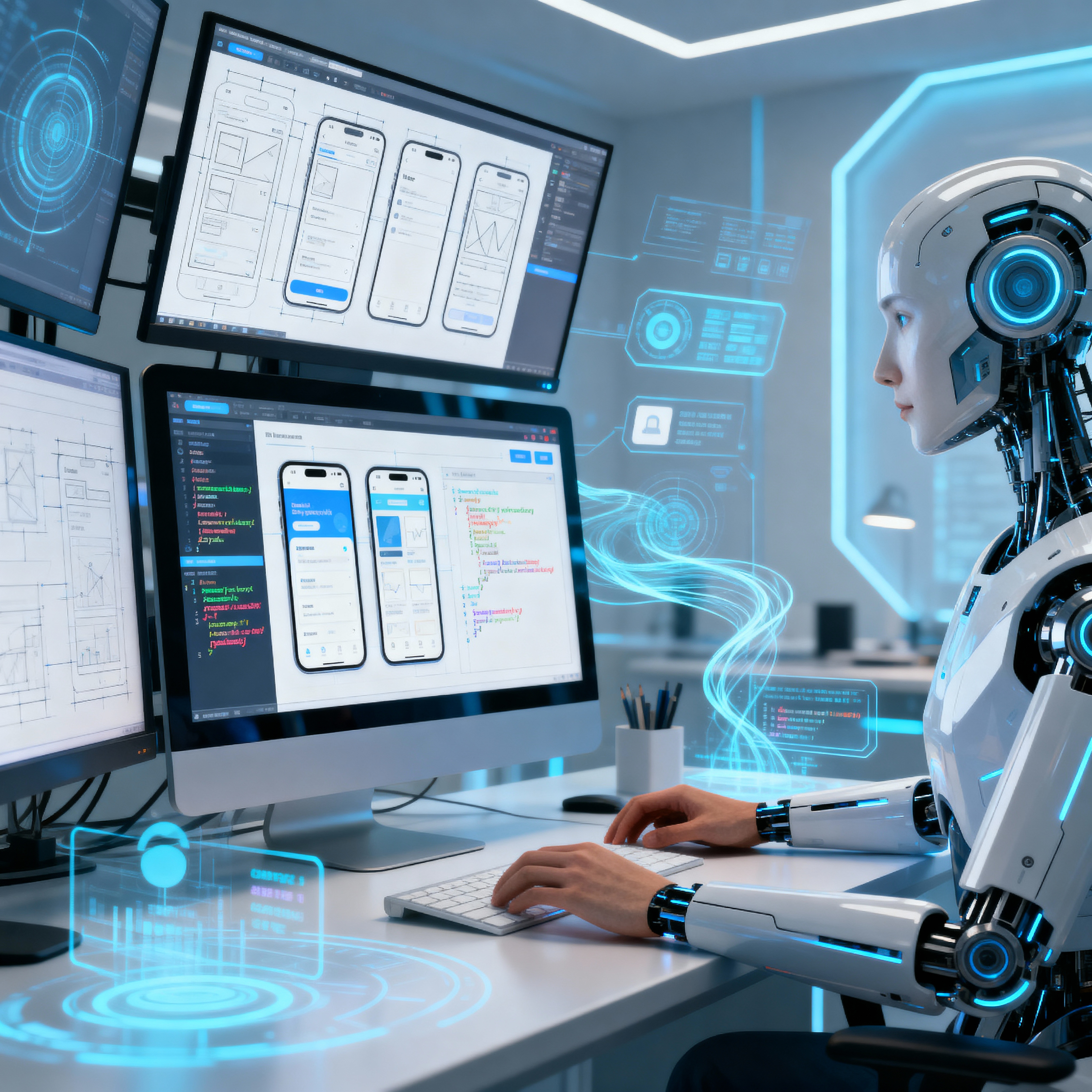
The integration of AI in app design and development benefits both teams and end-users. Let’s explore the key advantages:

1. Faster Time-to-Market
AI automates tedious processes such as prototyping, coding, and testing, cutting down development cycles significantly. What once took weeks can now be done in days.
For startups and SMBs, this speed is crucial — allowing them to launch early, test quickly, and adapt fast to user feedback.
2. Lower Development Costs
Automating design and testing reduces the need for large teams and repeated manual efforts. AI tools can identify bugs before they become costly fixes, saving time and money.
Small businesses can now compete with larger players by delivering high- quality applications within smaller budgets.
3. Improved Accuracy and Consistency
AI analytics tools provide insights into what users actually do within the app. Teams can make informed decisions about updates, feature improvements, or design changes — leading to more user-centric development.
Instead of relying on assumptions, teams use data-driven intelligence for growth.
4. Smarter Decision-Making
AI analytics tools provide insights into what users actually do within the app. Teams can make informed decisions about updates, feature improvements, or design changes — leading to more user-centric development.
Instead of relying on assumptions, teams use data-driven intelligence for growth.
5. Enhanced Creativity and Innovation
By automating repetitive or technical work, AI gives designers and developers more room to focus on creativity.
Designers can experiment freely with new ideas without being bogged down by manual alignment tasks, while developers can explore innovative features and integrations. AI acts as a creative co-pilot, not a replacement.
The Future of AI in Application Design and Development
The use of AI in software development is still evolving, but its impact is already undeniable. As models become more advanced, AI will move from assisting with tasks to proactively driving innovation — suggesting new features, improving app security, and even designing user journeys autonomously.
We’re entering an era where the app creation process becomes faster, smarter, and more human-centered, powered by intelligent systems that understand design logic, code structure, and user needs. For small and mid-sized businesses, embracing AI is no longer optional — it’s a competitive advantage. It enables teams to scale, deliver quality apps faster, and meet user expectations at a fraction of the traditional effort.
Conclusion
AI in application design and development is revolutionizing the way digital products come to life. From smart design tools to AI-generated code, automated testing, and predictive analytics — AI is turning app development into a seamless, data-driven process.
For businesses, this means: Faster launches, Lower costs, Smarter insights, Better user experiences
In short, AI is not replacing creativity — it’s enhancing it.
By blending human imagination with machine intelligence, the future of application design and development looks more efficient, inclusive, and innovative than ever before.