Code
Driven
Creativity
designtocode.in

Introduction
Design systems are the backbone of modern digital product design. They help teams maintain visual consistency, improve collaboration, and speed up development cycles. Yet, many organizations struggle to sustain them as they grow. What starts as a clean, organized set of reusable components often becomes tangled, outdated, and inconsistent over time.
In this blog, we’ll simplify what a design system truly is, explore why they fail when scaling, and highlight best practices to keep them strong. We’ll also understand how a robust design system can make life easier for designers and developers by keeping everyone on the same page.
"Creativity is intelligence having fun." - Albert Einstein
What is a Design System?
A design system is more than just a component library. It’s a collection of reusable design elements—like buttons, colors, typography, and icons—paired with standards and documentation. Together, they ensure that digital products look consistent, behave predictably, and can scale efficiently.
It includes:
- Design tokens (colors, spacing, typography)
- Components (buttons, forms, cards)
- Guidelines (when and how to use each component)
- Documentation (explaining rules, patterns, and principles)
Design systems empower teams to work smarter. They eliminate repetitive design decisions and allow designers and developers to focus on innovation rather than reinventing the wheel each time.
Why Design Systems Matter
- Consistency across products: A good design system ensures that every interface—no matter who designs it—feels like part of the same brand.
- Faster development: Reusable components cut down redundant work, helping designers and developers build faster.
- Improved collaboration: Teams speak a shared visual language, making communication smoother.
- Scalability: As products grow, design systems allow teams to add new features without breaking existing design consistency.
- Quality control: Defined rules mean fewer errors and inconsistencies in production.
In short, a design system acts like a shared playbook for every product team.
Why Design Systems Collapse at Scale
Despite their importance, design systems often collapse when teams expand or when multiple projects run simultaneously. Let’s break down the main reasons:
- Lack of ownership: A design system without clear owners becomes neglected. If no team is responsible for maintaining it, components get outdated, documentation gets ignored, and inconsistencies creep in.
- Poor Governance: Without governance, teams start making local changes that deviate from the core design principles. Over time, this leads to a fractured system with multiple versions of the same component.
- Weak Documentation: A system without proper documentation is as good as no system at all. If designers or developers can’t find guidance on how to use components, they’ll improvise—breaking consistency.
- Overcomplicated Architecture: Sometimes, teams over-engineer design systems with unnecessary complexity. This discourages adoption and makes updates difficult.
- Lack of Collaboration: When designers and developers don’t collaborate closely, gaps emerge. The result? Components that look good in design but break in code—or vice versa.
- No Continuous Improvement: A design system must evolve as products and user needs change. If it stays static, it quickly becomes obsolete.
Building a Sustainable Design System
Creating a design system is one thing. Maintaining it effectively is another. Here’s how to build a system that lasts:
1. Start Small, Scale Gradually
Begin with core components—colors, typography, buttons—and gradually expand. Early wins help teams trust the system.
2. A dedicated core team should own the system. Typical roles include:
A dedicated core team should own the system. Typical roles include:
- Designer: Defines design patterns, tokens, and documentation.
- Developer: Builds components and ensures technical consistency.
- Product Manager: Aligns the system with product goals and prioritizes updates.
- Documentation Specialist: Keeps guidelines clear and organized.
3. Document Everything
Every component should have detailed documentation explaining usage, behavior, and accessibility. This ensures uniform adoption across teams.
4. Build for Reuse, Not Just Reference
Encourage designers and developers to actively use the system components in real projects. A design system that isn’t used is just a library.
5. Foster a Feedback Loop
Regularly gather input from product teams. If a component doesn’t meet needs, refine it. A design system should serve the team, not the other way around.
6. Automate Updates and Versioning
Use tools like Figma, Storybook, and GitHub to synchronize changes. Automation ensures consistency and reduces manual errors.
7. Measure Success
Track adoption rates, design consistency, and developer satisfaction. Data helps prove the system’s value and guides improvement.

The Role of Collaboration
The strongest design systems thrive on collaboration. Designers and developers must work together from the start, agreeing on naming conventions, spacing, and component behavior. Regular syncs between these teams ensure the system remains relevant and technically feasible. Shared tools like Figma for design and Storybook for code help bridge the gap, making collaboration seamless.
"Design is not just what it looks like and feels like. Design is how it works." So go ahead, unleash your creativity, and embark on your path to becoming a graphic designer!
Visual Flow of a Design System
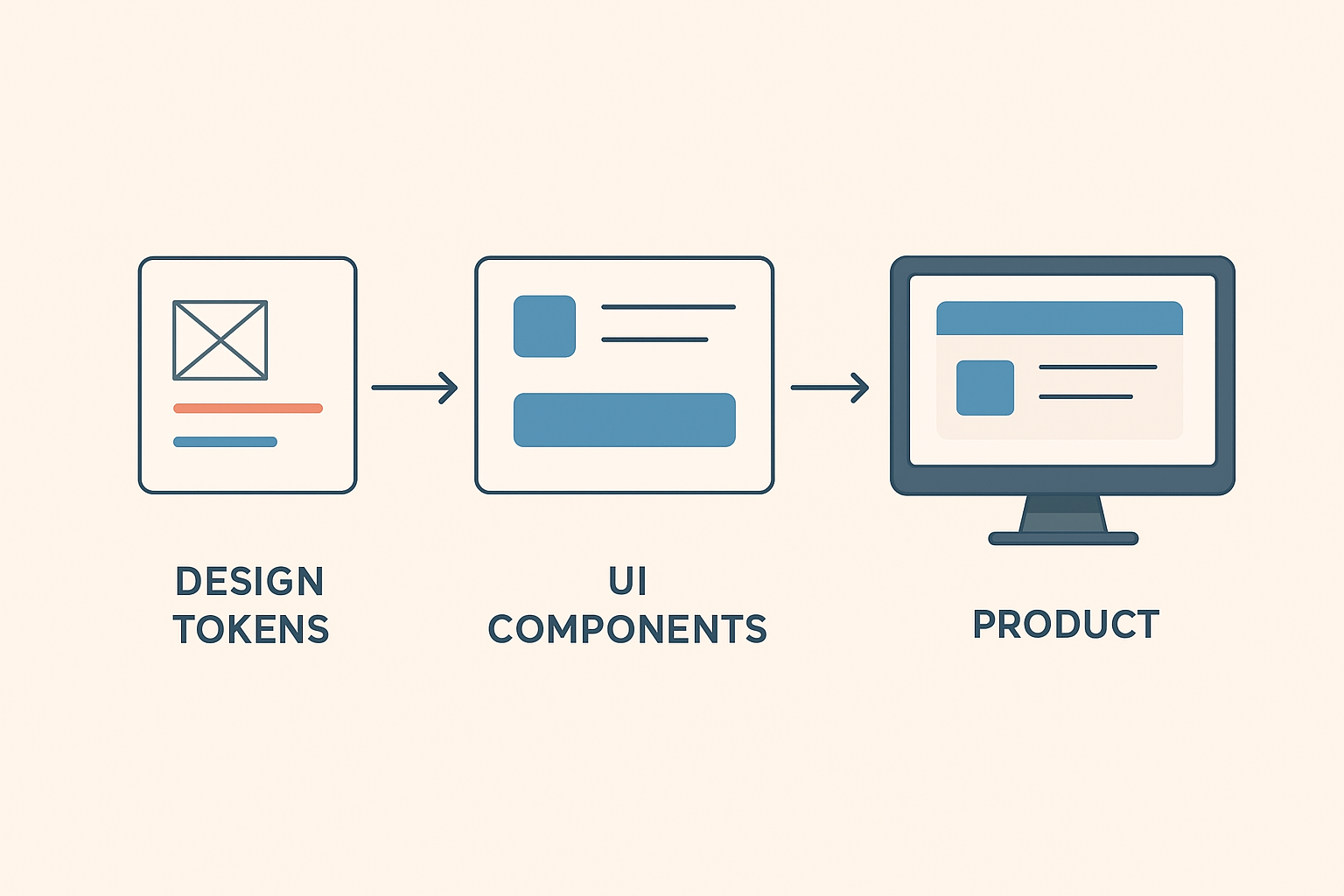
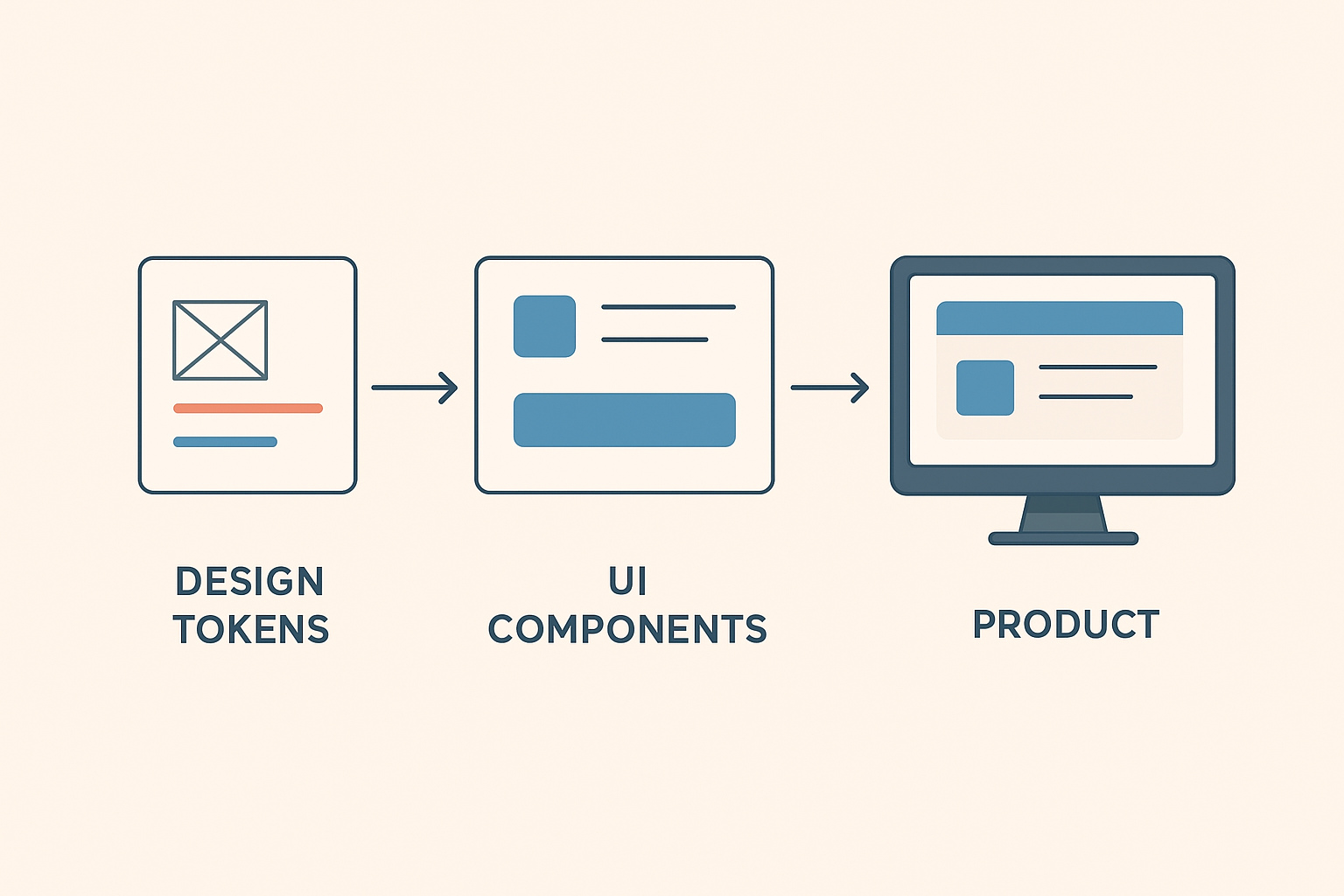
A design system typically flows through three main stages:
- Design Tokens: Foundational values like colors, spacing, and fonts.
- UI Components: Built from tokens—like buttons, inputs, or modals.
- Final Product: Assembled using these components for a consistent user interface.
This flow ensures every visual decision—from button color to text size—is systematic and consistent across all screens.
Signs of a Good Design System
A well-functioning design system usually has these characteristics:
- Scalability: Easily adapts to new features or platforms.
- Accessibility: Meets usability standards for all users.
- Consistency: Looks and feels unified across touchpoints.
- Flexibility: Allows creative freedom within defined boundaries.
- Up-to-date Documentation: Always current and easy to understand.
When these elements align, teams save time, reduce design debt, and deliver better products faster.
The Impact of a Strong Design System
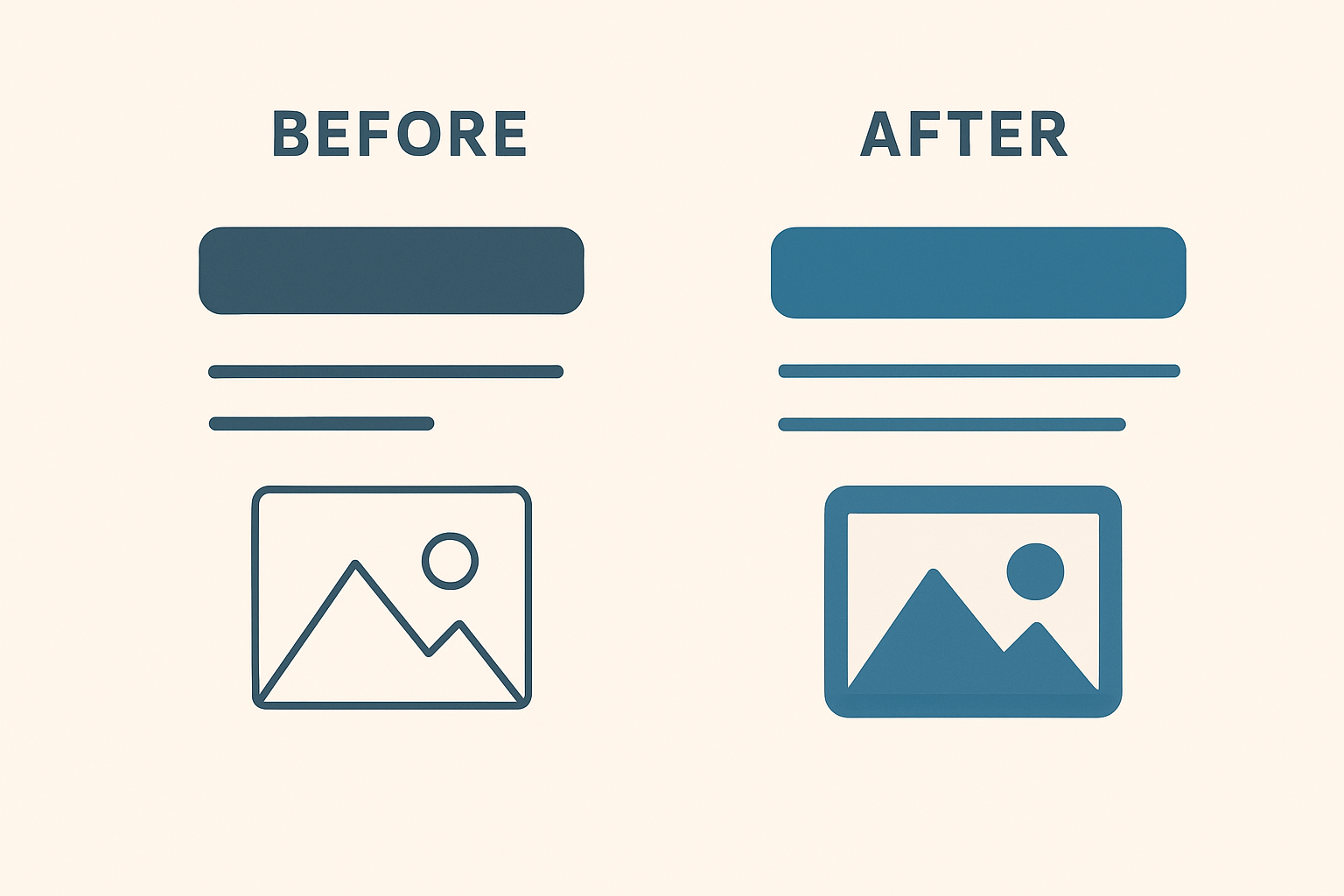
- For Designers: Reduces repetitive work, freeing time for creative problem-solving.
- For Developers: Provides ready-to-use components, reducing bugs and speeding up delivery.
- For Businesses: Strengthens brand consistency and reduces production costs.
- For Users: Creates a cohesive, predictable experience across all digital touchpoints.
A design system is not just a tool—it’s an ecosystem that supports creativity, efficiency, and brand integrity.
How to Keep It Alive
A design system is a living product. Here’s how to ensure it stays relevant:
- Review and update it quarterly.
- Encourage all teams to contribute ideas and feedback.
- Celebrate successful use cases to boost adoption.
- Assign ownership for ongoing improvements.
When these elements align, teams save time, reduce design debt, and deliver better products faster.
Conclusion
Design systems bring order to the creative chaos of product design. They empower teams to scale efficiently while maintaining visual harmony. But to keep them alive, you need structure, collaboration, and a commitment to evolution.
A great design system is more than documentation—it’s a shared language, a philosophy, and a framework that unites teams under one design vision.