Code
Driven
Creativity
designtocode.in
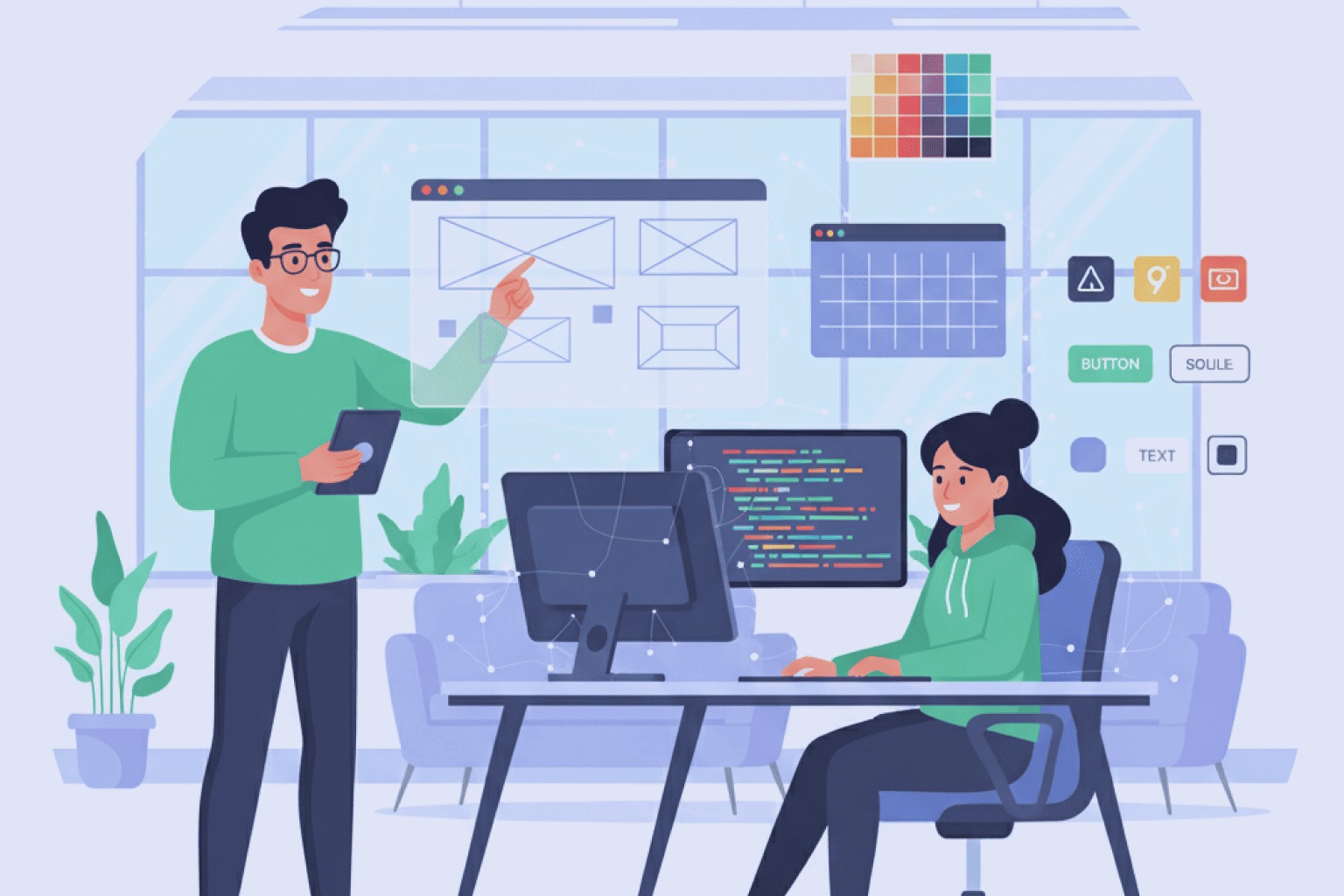
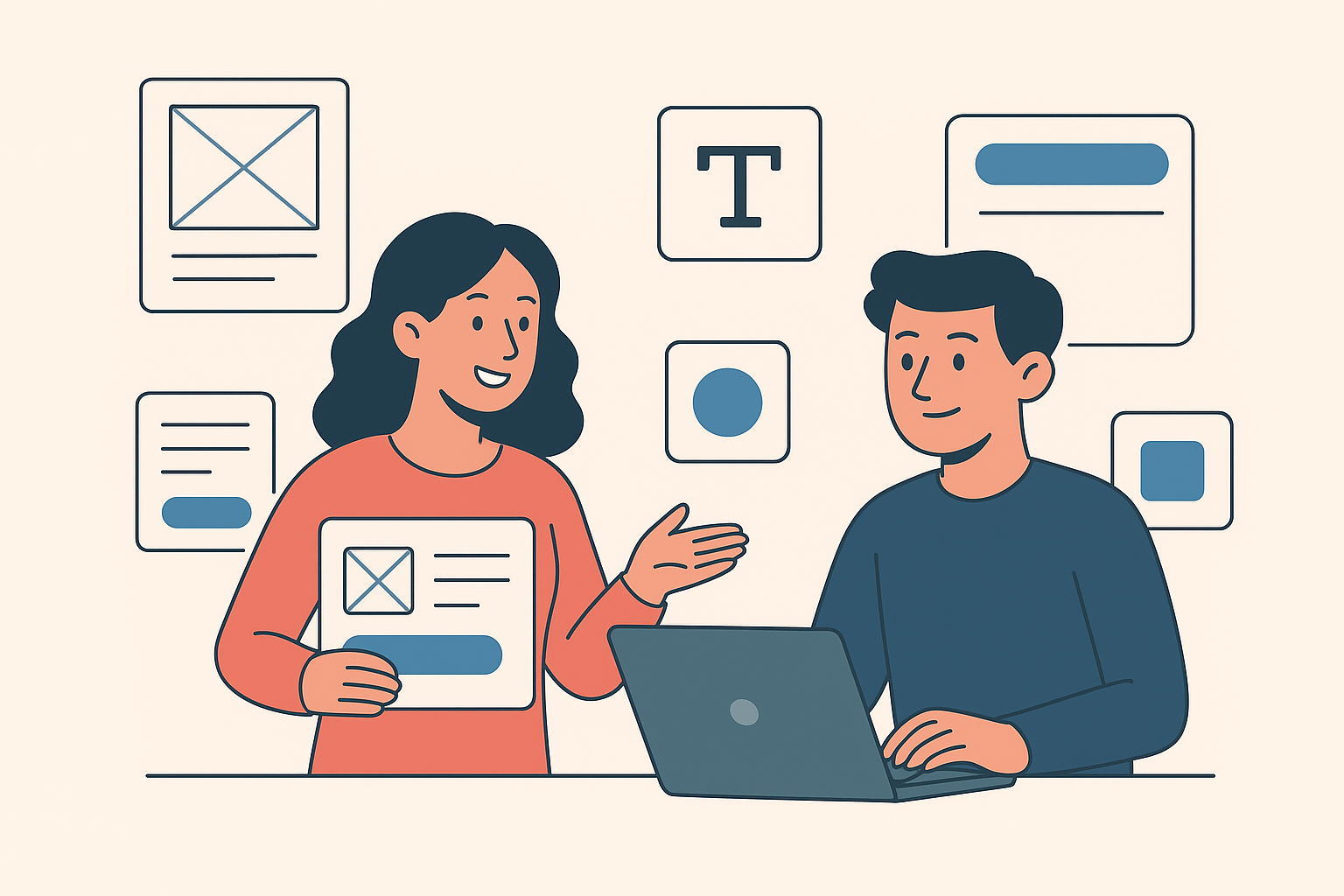
Design systems have transformed the way we build digital products. They bring structure, consistency, and speed to the creative process. But as teams grow and projects scale, even the most carefully built design systems face new challenges — from maintaining consistency to keeping documentation up to date.
That’s where AI-assisted design systems come in. They take the principles of traditional design systems and enhance them with the power of artificial intelligence. Imagine a system that not only stores your design rules but learns from how you work, adapts over time, and automates repetitive tasks. That’s what the next generation of design systems looks like.
"Creativity is intelligence having fun." - Albert Einstein
1. Understanding Design Systems — The Foundation
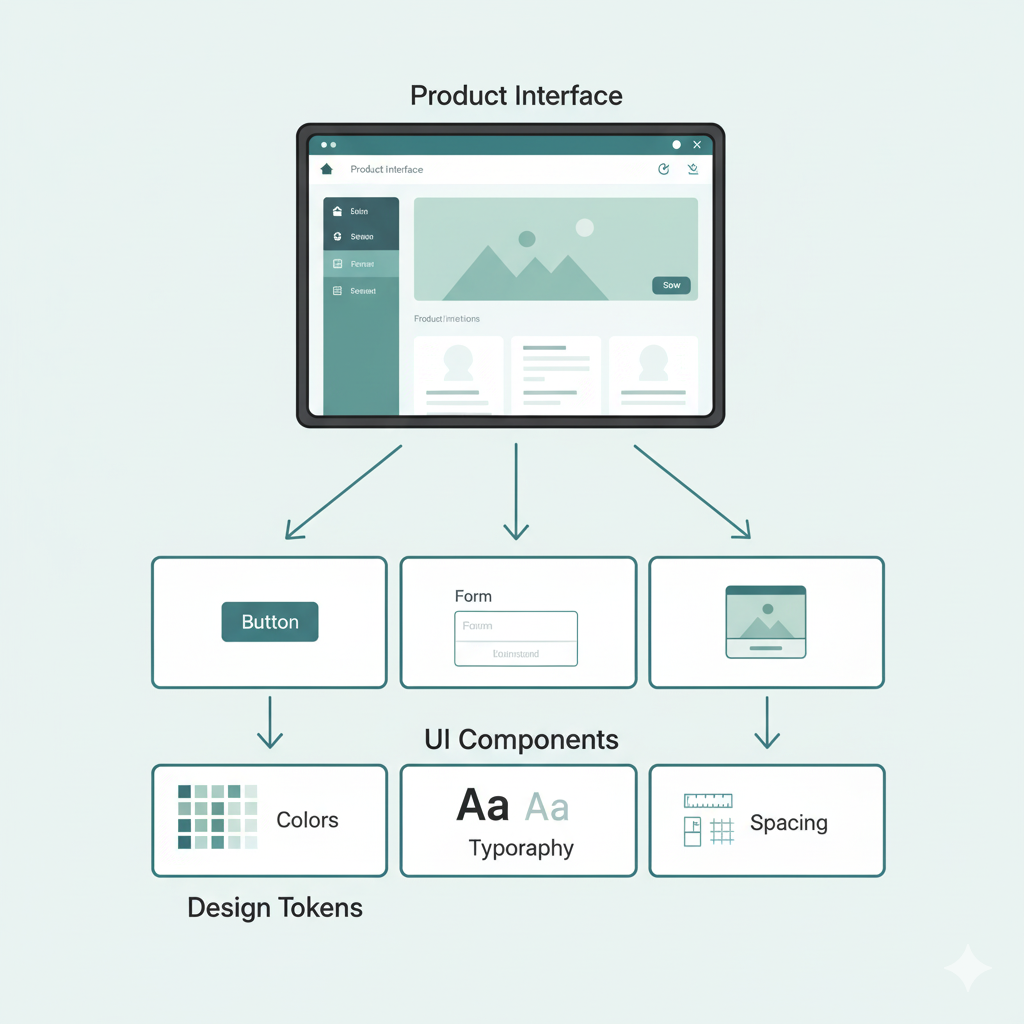
Before we dive into AI, it’s important to understand what a design system is. A design system is a collection of reusable components, guidelines, and assets that help designers and developers build consistent user interfaces. It usually includes:
- Design tokens: Core values like color, spacing, typography, and shadows.
- UI components: Buttons, cards, forms, and other interface elements.
- Patterns: Common solutions for recurring design problems.
- Guidelines: Rules on when and how to use each element.
Design systems empower teams to work smarter. They eliminate repetitive design decisions and allow designers and developers to focus on innovation rather than reinventing the wheel each time.
Design systems help maintain visual harmony and brand identity. They make collaboration smoother between designers and developers and allow teams to work faster without reinventing the wheel for every new feature. However, as companies grow, so does the complexity of managing these systems. Multiple teams might use different versions of components, documentation might fall behind, and maintaining consistency across dozens of products becomes difficult.
That’s when teams start exploring automation and AI to handle this scale more efficiently.
2. What Is an AI-Assisted Design System?
An AI-assisted design system takes a traditional design system and adds a layer of intelligence to it.
It’s like giving your design system a brain — one that learns from how you use it, predicts what you’ll need next, and helps you stay consistent automatically. For example, if a designer uses a specific type of button for a checkout page, the AI can recognize that pattern and suggest it the next time a similar layout is created. It can also detect when someone uses the wrong font or color, and gently alert them before inconsistencies spread.
In short, AI-assisted design systems help teams work smarter, not harder. They allow design and development processes to flow naturally, without being bogged down by manual checks and repetitive updates.
3. How AI Works Inside a Design System
The power of AI lies in its ability to learn from data — and design systems generate a lot of it.
Here’s how AI enhances the workflow step by step:
a. Pattern Recognition
AI can recognize patterns in how components are used. It observes the most common layouts, colors, and interactions across projects and suggests standard components to maintain uniformity. For example, if multiple designers are building dashboards, AI can identify common card layouts and recommend reusing or improving them.
b. Auto-Documentation
Maintaining documentation is one of the biggest pain points in any design system. AI can automatically create or update documentation by analyzing the components in use, their properties, and their changes over time. This keeps your design system always up to date — no manual edits required.
c. Smart Suggestions
When working on a design, AI can recommend which components to use based on the context. For instance, when you’re designing a login page, it can suggest the standard input fields, buttons, and spacing based on your brand guidelines.
d. Consistency Checks
AI can automatically scan your design files and detect inconsistencies — like a slightly off color shade or a missing padding value. Instead of relying on human review, the system can catch and fix small visual differences before they cause big problems.
e. Accessibility Optimization
Accessibility is critical in modern design, but it’s easy to overlook small issues like color contrast or font size. AI tools can automatically check accessibility standards and suggest fixes to make sure your design works for everyone.
f. Cross-Platform Adaptation
AI can help adapt designs for multiple platforms — such as web, mobile, and tablet — by understanding layout logic and resizing components accordingly. This saves teams hours of manual work.
g. Data-Driven Insights
AI can analyze how users interact with products and suggest improvements. For example, if analytics show that users rarely click a button in a certain location, AI can flag it and recommend design tweaks.
4. Benefits of AI-Assisted Design Systems
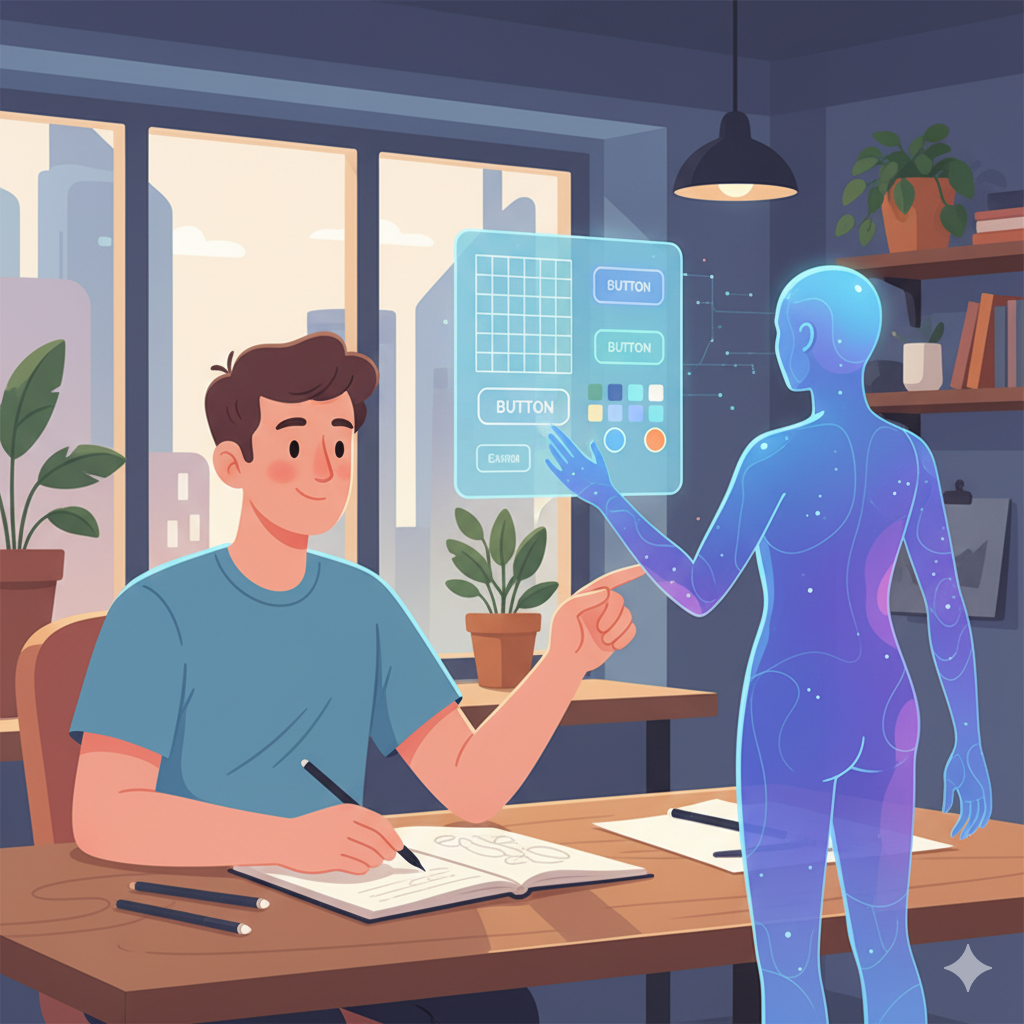
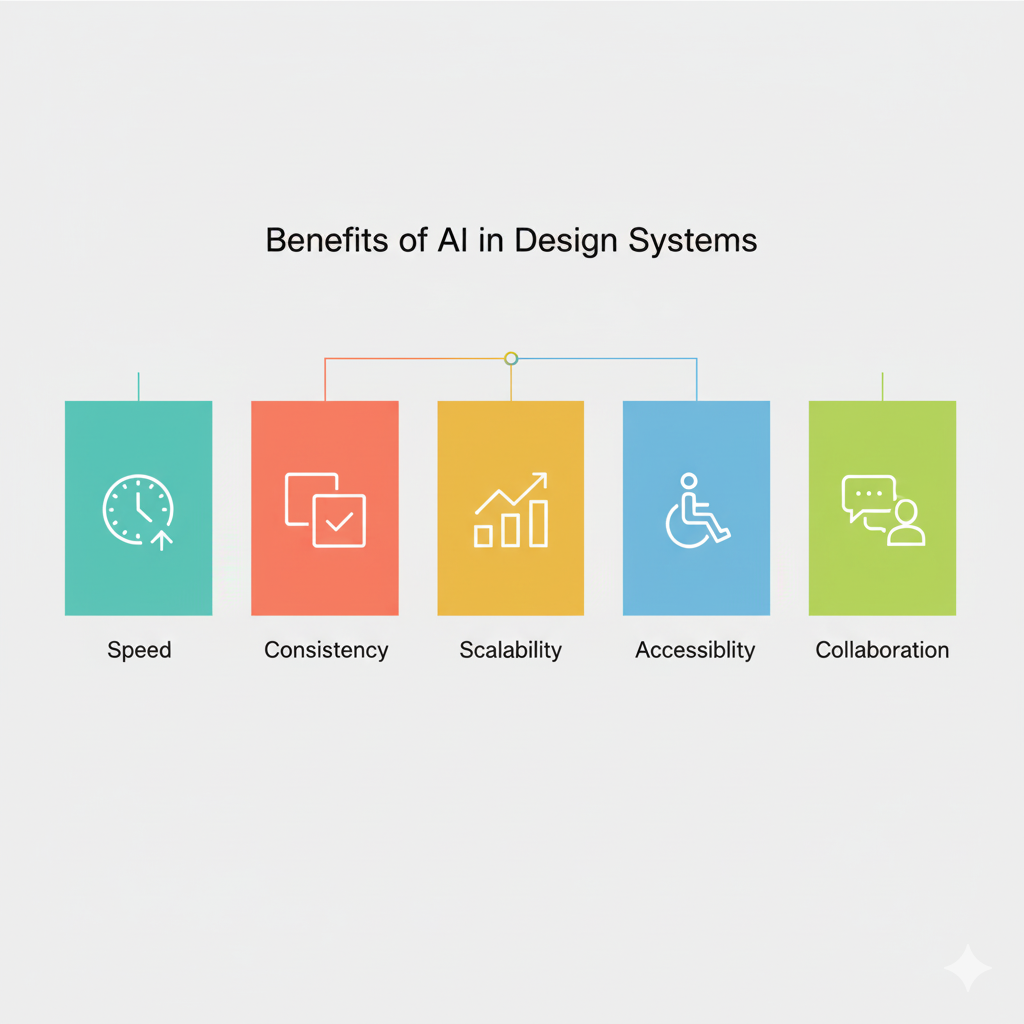
AI brings massive value to design teams and organizations. Let’s look at the main advantages:
a. Speed and Efficiency
AI removes repetitive manual tasks. Designers can focus on creativity while AI handles documentation, consistency checks, and component recommendations.
b. Better Collaboration
When the system automatically updates and documents everything, everyone stays aligned — from design to development. Teams no longer need to waste time discussing which button style to use.
c. Scalability
As projects grow, managing hundreds of components becomes overwhelming. AI keeps track of everything, groups similar components, and even suggests which ones to retire or merge.
d. Improved Consistency
AI ensures every product under your brand looks and feels consistent. Whether it’s a website, mobile app, or dashboard, users experience the same visual language everywhere.
e. Accessibility and Inclusivity
AI automatically identifies accessibility issues — making your products usable for all audiences without the need for manual audits.
f. Data-Driven Design Decisions
Instead of guessing what works, designers get insights based on real user behavior. This helps create more intuitive and effective interfaces.
"Design is not just what it looks like and feels like. Design is how it works." So go ahead, unleash your creativity, and embark on your path to becoming a graphic designer!
5. Challenges of AI in Design Systems
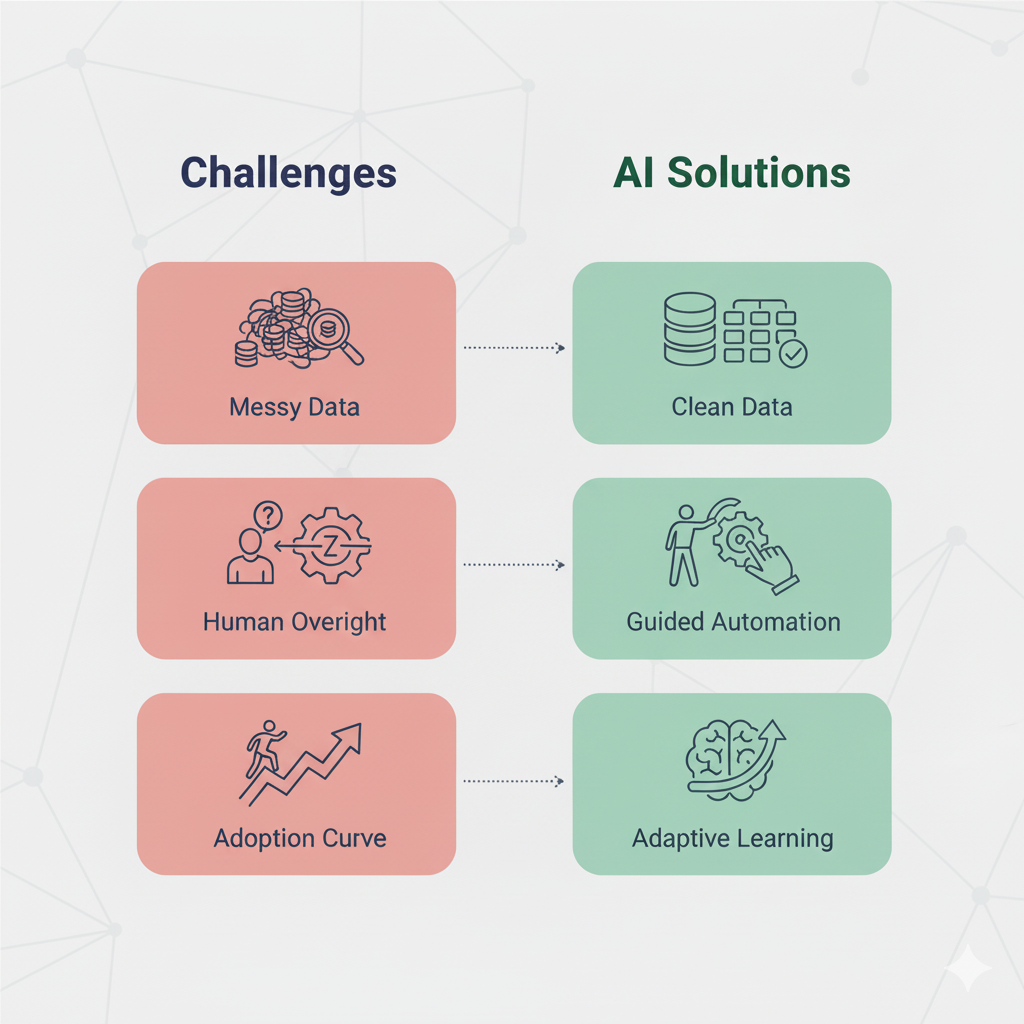
While AI-assisted systems are powerful, they come with their own challenges.
a. Quality of Training Data
AI learns from past data — if your design files are messy or inconsistent, it will pick up those habits. The system’s intelligence is only as good as the examples it’s trained on.
b. Human Oversight
AI can make predictions and suggestions, but it can’t fully replace human creativity. Designers still need to make final decisions, ensuring that the product feels human and empathetic.
c. Adoption Curve
Introducing AI tools to a team requires change. Designers and developers must learn to trust the system and adjust their workflow.
d. Ethical Considerations
AI may inadvertently favor certain styles or design patterns based on its training data. Teams must ensure that automation doesn’t lead to biased or inaccessible designs.
6. What Makes a Great AI-Assisted Design System
For an AI-assisted design system to truly work, it needs more than technology — it needs a solid foundation. Here are the key ingredients:
1. Clear Design Principles
Your system should be built on well- defined values like simplicity, accessibility, and brand consistency.
2. Well-Structured Data
Organized components, naming conventions, and metadata help AI learn effectively.
3. Continuous Feedback Loop
Designers should be able to give feedback to the AI, improving its suggestions over time.
4. Human-AI Collaboration
AI should assist, not replace. The best systems empower designers rather than automate creativity entirely.
5. Integration with Design Tools
AI may inadvertently favor certain styles or design patterns based on its training data. Teams must ensure that automation doesn’t lead to biased or inaccessible designs.Seamless integration with Figma, Sketch, or Adobe XD ensures that the AI fits naturally into existing workflows.
7. Real-World Example: How It Might Work
Imagine you’re designing an e-commerce platform. As you start creating the product listing page, the AI assistant notices that similar pages across your company use a 4-column grid with consistent spacing and card components. It automatically suggests:
- The correct grid layout.
- The standard product card design.
- Recommended image sizes and text styles.
- Accessibility suggestions for better contrast.
As you work, it generates documentation, ensures everything aligns with the brand system, and syncs updates to the development team. By the end, you’ve built a perfectly consistent, accessible page — in half the time it would normally take.
8. The Future of AI in Design Systems
The next few years will bring exciting advancements in how AI supports design teams. Here’s what we can expect:
a. Automated Design Variants
AI will be able to create multiple versions of a design for A/B testing — automatically adjusting color, layout, and typography for different user segments.
b. Predictive Design Trends
By analyzing data from global design projects, AI could predict emerging design trends and recommend updates to keep your brand modern.
c. Voice and Text Commands
Designers could soon interact with design systems through natural language: “Make this section more mobile-friendly.” “Increase contrast for accessibility.” “Apply the latest brand color palette.” AI would understand and execute these commands instantly.
d. Seamless Code Integration
In the future, AI-assisted design systems will sync directly with codebases. Any change made in the design file will automatically reflect in production code — keeping design and development perfectly aligned.
9. The Human Side of AI-Assisted Design
Despite all its power, AI is not here to replace designers. It’s here to enhance their creativity. Think of AI as your design co-pilot — handling the repetitive work, catching errors, and letting you focus on what truly matters: crafting experiences that connect with people.
The human touch — empathy, emotion, storytelling — is something no algorithm can replicate. AI helps with efficiency, but designers bring soul to the product.
10. Conclusion: Designing Smarter, Together
AI-assisted design systems are changing how we create digital products. They merge the structure of design systems with the intelligence of machine learning, creating a workflow that’s faster, smarter, and more consistent than ever.
As these systems evolve, they will continue to empower designers and developers to build better, more inclusive products — not by replacing creativity, but by amplifying it.
In the end, the future of design isn’t just about pixels and patterns. It’s about humans and machines working together — to design smarter, communicate better, and create experiences that truly matter.